Guides
How to put an affirmation widget on your iPhone
An affirmation widget puts a line on your iPhone Lock Screen or Home Screen. Here's how to set one up, which apps do it well, and what to watch for.
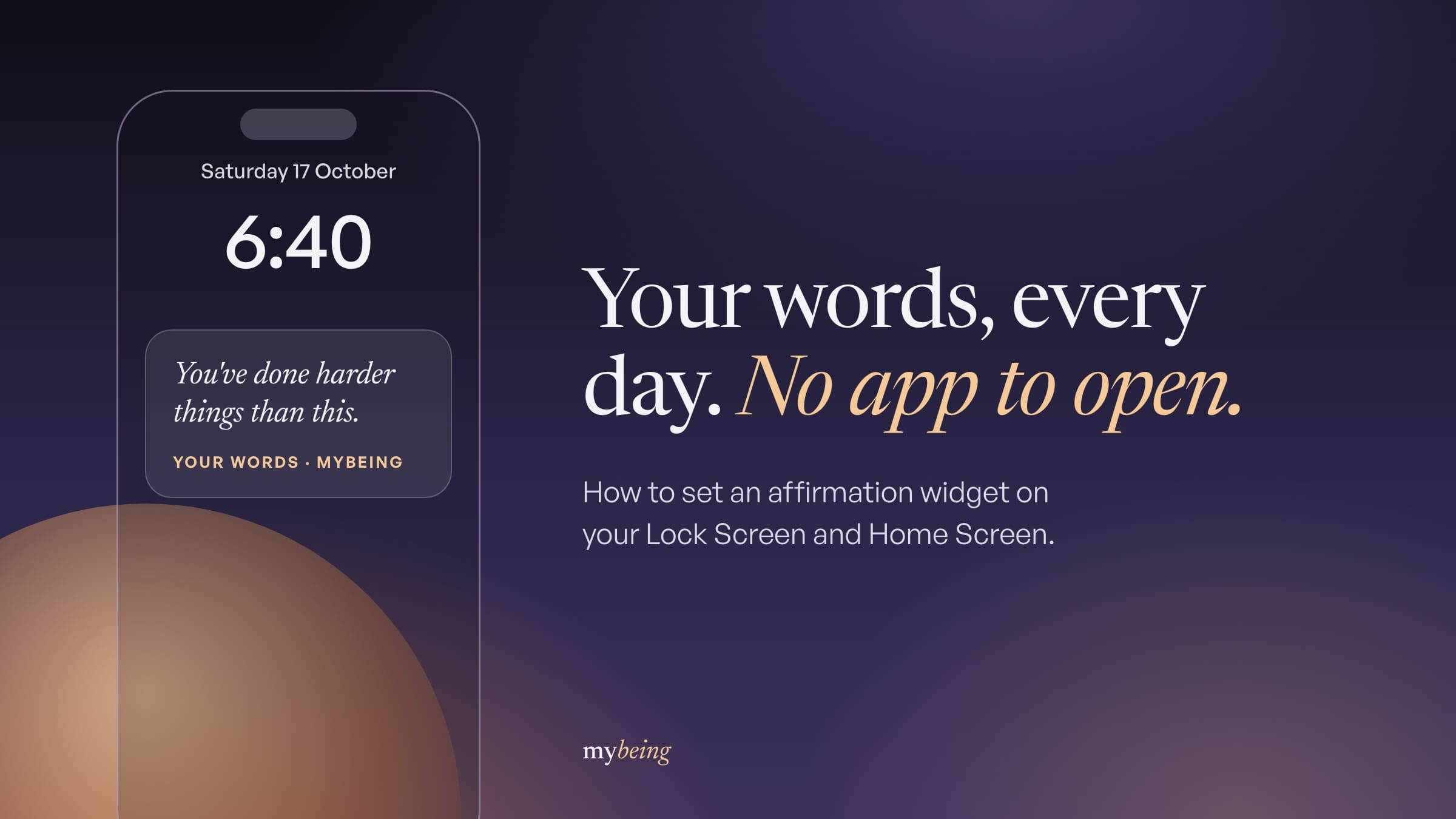
An affirmation widget is a small panel on your iPhone that shows one short line, so you read it without opening anything. You can put one on the Lock Screen, the Home Screen, or both, and setting it up takes about a minute.
The steps are different for each screen, which is where most people get stuck. We'll do both, then cover which apps ship a widget worth having and what to do when you stop noticing it.
What an affirmation widget on iPhone actually is
It's a panel an app puts on your screen, showing one line pulled from a set you chose. The app keeps running in the background and swaps the line, usually once a day.
There are three places it can live. The Lock Screen sits under the clock, and the Home Screen version sits among your apps.
The third is StandBy, the bedside display your iPhone switches to when it's charging on its side.
Lock Screen widgets need iOS 16 or later. Apple shipped them in September 2022, and StandBy came a year after that with iOS 17.
That date matters more than it sounds. Two of the pages ranking for this search went up in 2021.
They predate Lock Screen widgets, so they cover the Home Screen only.
The appeal is that it removes the deciding. An app you must remember to open competes with every other app on the phone.
Most of the apps we compared live or die on that one point.
How to add an affirmation widget to your Lock Screen
Install the app first, and open it once. iOS won't list a widget for an app it hasn't seen run.
That's the most common reason an app is missing from the list.
Then:
- Wake your iPhone, but leave it locked on the Lock Screen.
- Touch and hold anywhere on the Lock Screen until it zooms out.
- Tap Customize.
- Tap the Lock Screen panel, not the Home Screen one.
- Tap the empty box just under the clock.
- Find your affirmation app in the list and tap it.
- Pick the widget you want, then tap Done.
- Tap the screen you just edited to make it active.
The box under the clock is small. Long affirmations get cut off there, which is worth knowing before you pick an app.
How to add an affirmation widget to your Home Screen
This one works on any iPhone from iOS 14 onward, so it's the fallback if the Lock Screen steps came up empty.
- Touch and hold an empty part of the Home Screen until the icons start to wobble.
- Tap the plus button in the top corner.
- Type the app's name in the search box.
- Swipe between the sizes on offer.
- Tap Add Widget.
- Drag it where you want it, then tap Done.
Pick the size by where your thumb lands, not by how it looks in the preview. A widget on the second Home Screen page is a widget you've decided not to read.
For StandBy, you don't add anything. Put the phone on a charger, turn it on its side, and leave it locked, and it becomes a clock face you can swipe to your widgets.
What to do if the affirmation widget isn't showing or updating
Four things go wrong, and all four have quick fixes. None of the pages ranking for this search mention any of them.
The app isn't in the widget list. Open the app and use it once, properly, then go back and try again.
iOS only offers widgets for apps it has seen running. If it still doesn't appear, restart the phone, which rebuilds the widget list.
The widget is stuck on the same line. Check Settings, then General, then Background App Refresh, and make sure it's on for that app.
With it off, the widget only updates when you open the app. Low Power Mode does the same thing.
So a widget that freezes every afternoon is usually a battery setting, not a bug.
The widget shows a placeholder or a blank box. It's waiting on a network request, which happens on a weak connection or just after installing.
Give it a few minutes on wifi. If it's still empty, remove the widget and add it again.
The line is cut off. The Lock Screen slot is narrow, so longer affirmations lose their ending.
Either switch to a larger Home Screen widget or pick shorter lines. If you write your own, check them on the widget itself (everything fits in the app's editor, which is the trap).
Which iPhone affirmation apps have good widgets
Most affirmation apps claim widget support. Fewer treat the widget as the thing you actually use, rather than a shortcut back into the app.
MyBeing is built around it, with Lock Screen and Home Screen widgets, 81 topics, and the option to write your own lines and have only those appear. You can also set whether the words read "I am" or "you are".
It's ours, so weigh that accordingly.
I Am has the most polished widget design and the largest library. Its App Store listing names advertising among the app's contents, and paid tiers reached $59.99 a year when we checked in October 2026.
Motivation serves quotes rather than first-person affirmations, and its widget is good. Same developer as I Am, which is why the two feel so similar.
Mantra has the prettiest widgets of the group, though it was last updated in April 2026, which is slow for an app on a yearly plan.
ThinkUp records affirmations in your own voice, which doesn't translate to a widget especially well. It was last updated in August 2025, more than a year ago.
One figure worth correcting, since you'll meet it elsewhere. A widely linked 2026 roundup lists I Am at about $35.99 a year, and Apple's own listing showed $59.99 when we looked.
Why you stop seeing your affirmation widget
Because it stops being new. Anything that sits in the same spot, saying the same sort of thing in the same typeface, turns into furniture inside a fortnight, and your eye begins routing around it the way it routes around a radiator.
No app will tell you this. But it's the most common reason people abandon a widget, and it has nothing to do with whether affirmations work.
Three things help. Pick an app that changes the line daily, not weekly.
Keep the set narrow, so the lines feel aimed at you. And move the widget when you catch yourself skipping it.
It also helps to expect less from the first two weeks. Affirmations take longer to settle than people assume.
A widget's job is to make the repeating cheap, not to do something by day three.
What the widget should actually say
Short. The Lock Screen slot truncates, so a line that runs past about forty characters will arrive with its ending cut off.
You've done harder things than this.
Begin badly, but begin.
Beyond length, the wording does real work. Cascio and colleagues found in 2016 that thinking about what you value lit up the brain's reward areas.
That study gets quoted all over this corner of the internet, usually with nothing linked. Read the finding itself: it's about values, not compliments.
The wider picture matches. Cohen and Sherman's 2014 review found short self-affirmation tasks improved how people did in health, school and relationships.
One caution before you fill the widget with praise. Wood's 2009 study found that people who already felt bad about themselves felt worse after repeating a kind line.
So aim just below what you believe, not far above it. "I'm learning to do this" survives a bad morning.
"I am unstoppable" doesn't. Most of the reasons affirmations misfire come down to wording.
Frequently asked questions
Why can't I find the widget option on my iPhone Lock Screen?
Lock Screen widgets arrived with iOS 16 in September 2022. If you don't see a box under the clock when you tap Customize, check Settings, then General, then Software Update.
Does tapping an affirmation widget do anything?
On current versions of iOS it opens the app, usually on the affirmation you were looking at. Some older guides say tapping does nothing, which was true on iOS 15 and before.
Can I write my own affirmation for the widget?
In most apps, yes. Look for a section called something like My affirmations or Custom, write the line, and make sure it is included in the set the widget draws from.
Do affirmation widgets work on Android?
Android has had home screen widgets for far longer than iPhone, and most affirmation apps with an Android version ship one. Android has no direct equivalent of the iPhone Lock Screen widget.
How often does the affirmation on the widget change?
It varies by app. Most refresh once a day, often early in the morning, and a few let you pick the time or tap through to the next line.